Activation Guide
How to Activate Microsoft Office Professional Plus LTSC 2024
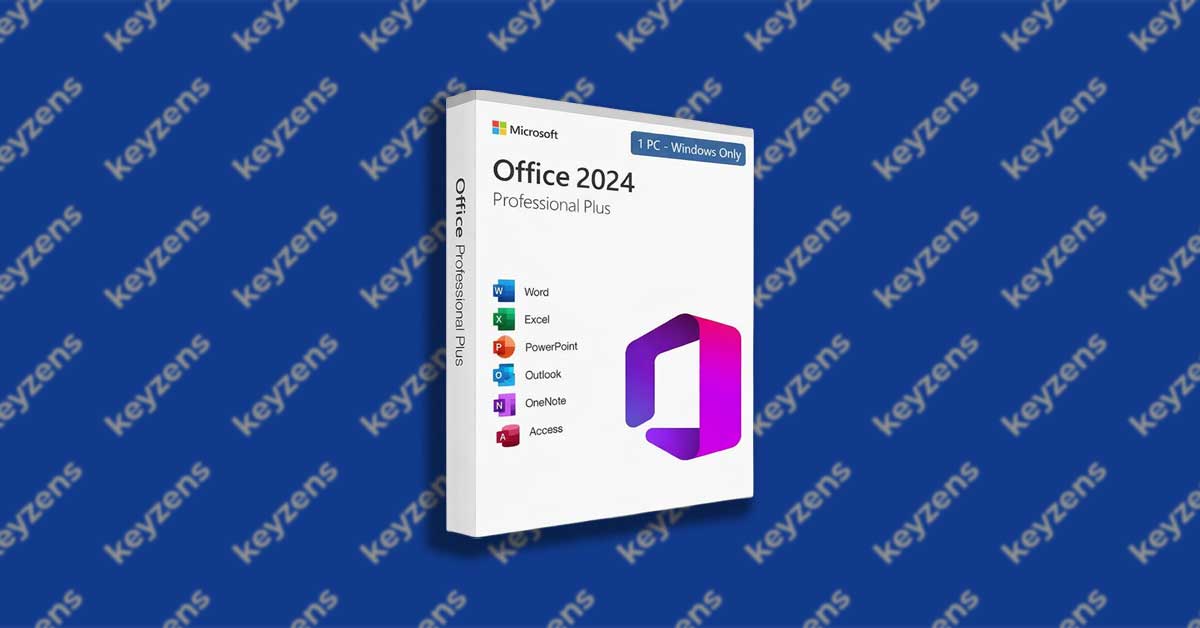
In this step-by-step tutorial, we will guide you through the complete installation and activation process for Microsoft Office Professional Plus 2024 LTSC. Please ensure you have a stable internet connection before starting, and follow the instructions carefully to complete the setup successfully.

Important Note Before You Begin
Before starting the installation, we strongly recommend uninstalling all existing Microsoft Office applications from your computer. This helps prevent activation conflicts, version mismatches, or sign-in errors during setup. This product is for Windows PC only and is not compatible with Mac devices.
Microsoft Office Professional Plus 2024 LTSC Installation & Activation Guide
Step 1: Download the Installer (64 bit recommended)
- 64-bit Download here
- 32-bit: Download here
Step 2: Install Microsoft Office
- Locate the downloaded file
- Right-click → Run as administrator
- Wait for the installation to complete
Step 3: Open an Office App
- Open Microsoft Word (or any Office app)
- The Activation Wizard will appear
Step 4: Choose Activation Method
- Select: “I want to activate the software by telephone”
- Click Next
Step 5: Get Your Confirmation ID
Option 1: Phone Activation
- Choose your country/region
- Call the number shown on screen
- Provide the Installation ID
- You will receive a Confirmation ID
Option 2: Instant Online Activation (Recommended)
- Use this link: Get Confirmation ID here
- Enter your Installation ID
- Instantly receive your Confirmation ID
Step 6: Complete Activation
- Enter the Confirmation ID
- Click Next
✅ Done!
Microsoft Office is now fully activated and ready to use.
No Microsoft account is required.